First entry of the year! So much for fixing up that glitch “tomorrow”. I gotta remember to stop promising stuff when I’m on vacation. Working hard today though! Finally. I assembled nine programmer buddies, and we’re currently doing a virtual hackathon over Discord. Friends motivate friends!
So what am I working on today?
- Setting up my Zed 2i and seeing if I can create that point cloud invisibility shader to allow object masking in my camera view. That seems worthy of a hackathon.
Where am I so far?
- I got the ZED SDK installed and have a point cloud sample scene loaded in Unity. The camera is on and rendering a point cloud. Unfortunately, “the current implementation uses
Graphics.DrawProceduralNowwhich renders points directly viaOnRenderObject()” (thanks, Claude), which means no point cloud mesh. How about fixing that for me, Claude? Something is amiss because Unity keeps crashing. I may try reverting to either an older version of Unity or an older ZED SDK. Right now, I’m using Unity 6.2 and ZED for CUDA 13—cutting-edge stuff.
I’ve perfectly overlaid the point cloud on my color stream!
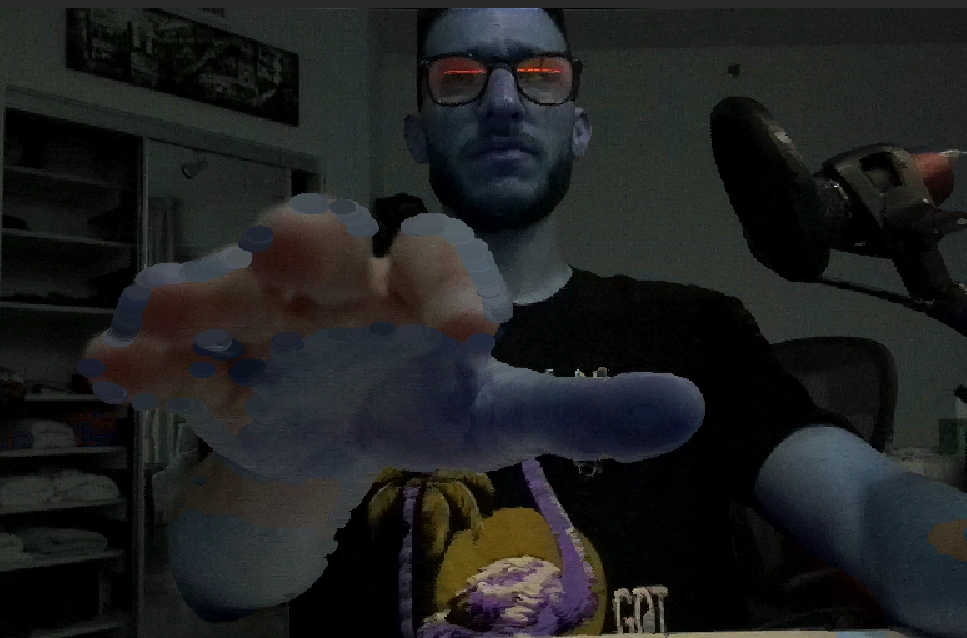
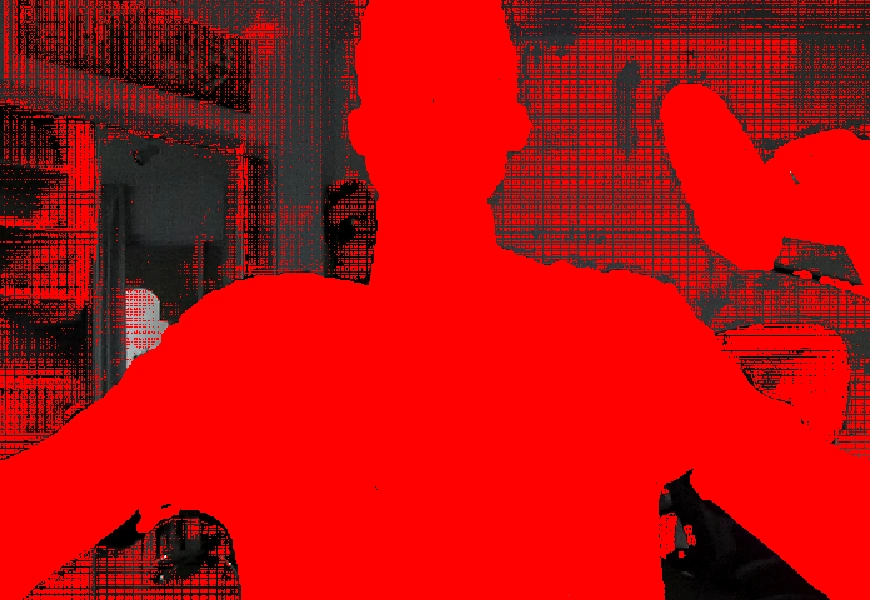
The alignment is legitimately perfect.
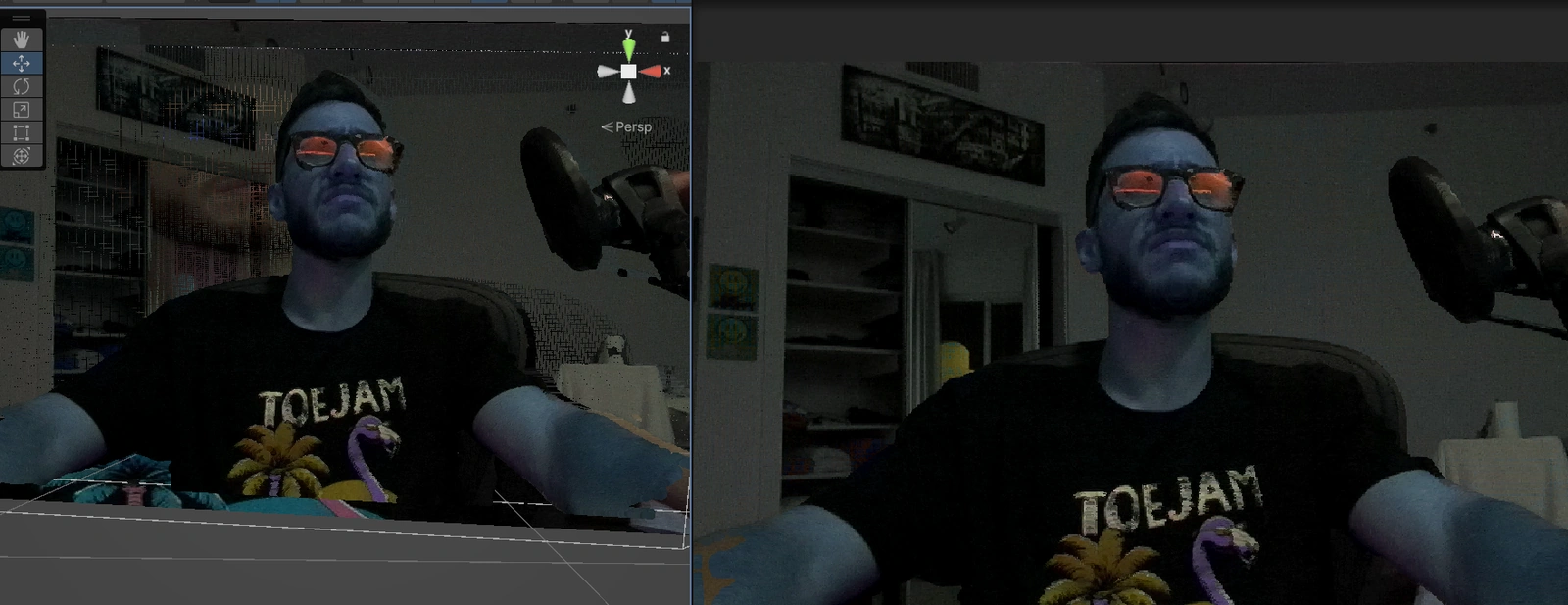
I haven’t been able to get rid of this weird skipping glitch though. I should have tested this on an earlier Unity version for sure.
I very quickly (“single-promptedly”) tried messing with the color space to see if I could fix the color differences between the particles and the camera stream, but that just made the color difference more pronounced.
Then I remembered my goal was to hide the particles completely by coloring them based on the color of what was behind them. It’s funny because this was my original intention at the onset, and it had slipped my mind due to my excitement about having gotten the point cloud perfectly overlaid on the stream.
Unfortunately, the progress reached a screeching halt after that and even went backwards. Luckily, I made a local backup.
I learned some basic jargon regarding what the technique I need to use involves—namely, using a Grab Pass shader, aka “The Most Complicated Nothing Shader”. Of course, this shader doesn’t actually do nothing, but you can make it appear that way, which is needed in my case. It’s aptly named because it grabs an earlier render pass and writes it to a texture. Apparently, there’s a patch needed to fix transparent objects in these shaders in Unity 6. Stashing that here.
One thing I never considered about my genius idea of an invisible point cloud was the cost of having to read/write the screen texture every frame. I suppose getting the colors of the point cloud particles to match would be a more optimized approach, but I still worry about alignment issues even if everything looks good at a glance. Besides, I really want to try this technique because of its novelty.
The hackathon ended before I made any progress on the grab pass stuff. My assessment of why things didn’t work out is that I over-relied on vibe-coding and didn’t do enough actual research on my end. On the bright side, my friends seemed to have actually enjoyed the virtual meet-up! I’m happy I pulled it off.