I started progress today by pulling up these two forks of Dario Zubovic’s metaballs repo and diffing their MetaballGrid scripts in VSCode. That program has become my replacement for Notepad++ and KDiff3. I went ahead and copied over as many optimizations as I could find from Arodic’s script into Celisecj’s. Then, once satisfied, I copied over those optimizations to my own project’s script. I had to do a ton of renaming (and probably should have skipped the intermediate step). When I was all done, I had some unintended behaviors in Unity that almost crashed my computer.
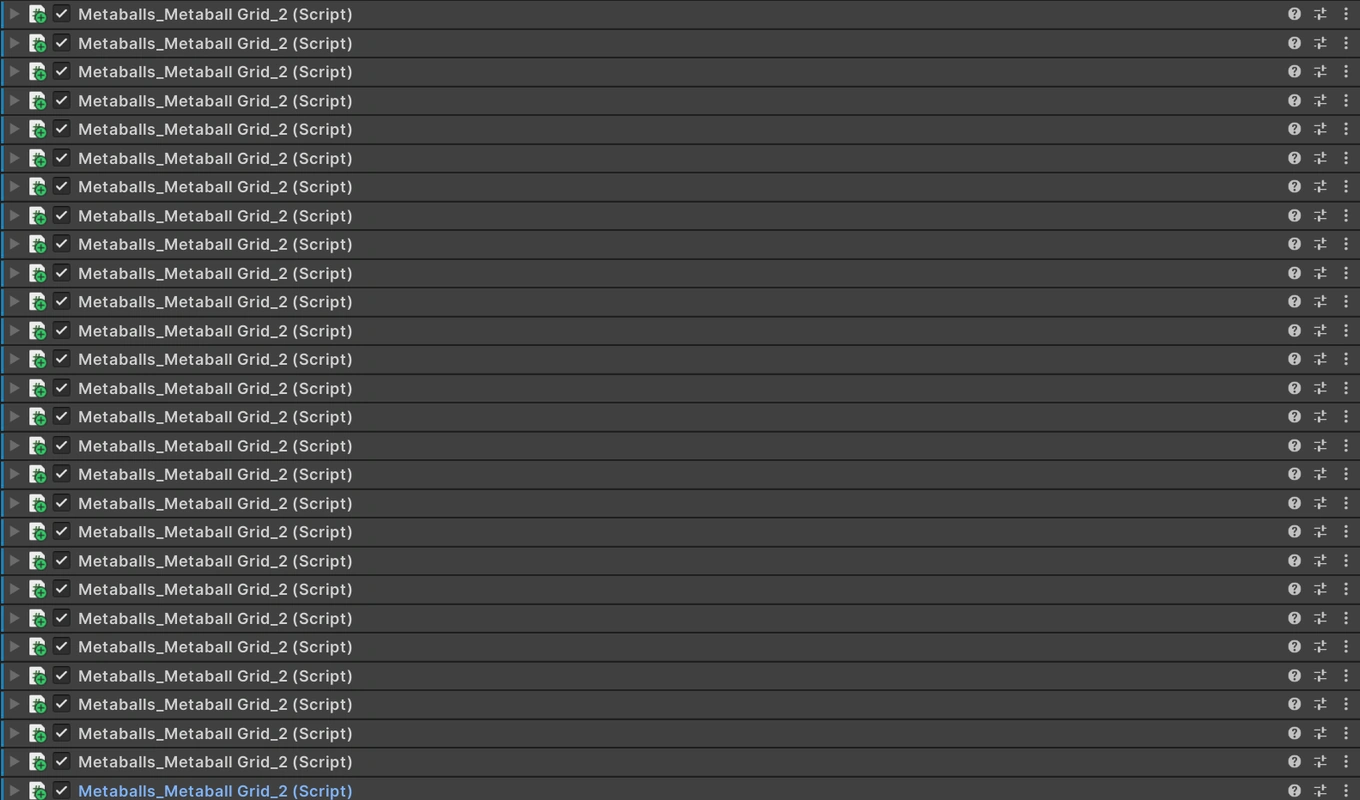
No worries, though. I kept going and assumed I fixed the errors. And then I crashed my computer. Unity quit, and then my screen resolution got F’d up.
That made me remember the importance of disabling the [ExecuteInEditMode] tag while testing. I can’t risk corrupting my data or losing progress. Once I got stuff sorted out, though, I took a look at my new metaballs. I can scale them up now without losing FPS!
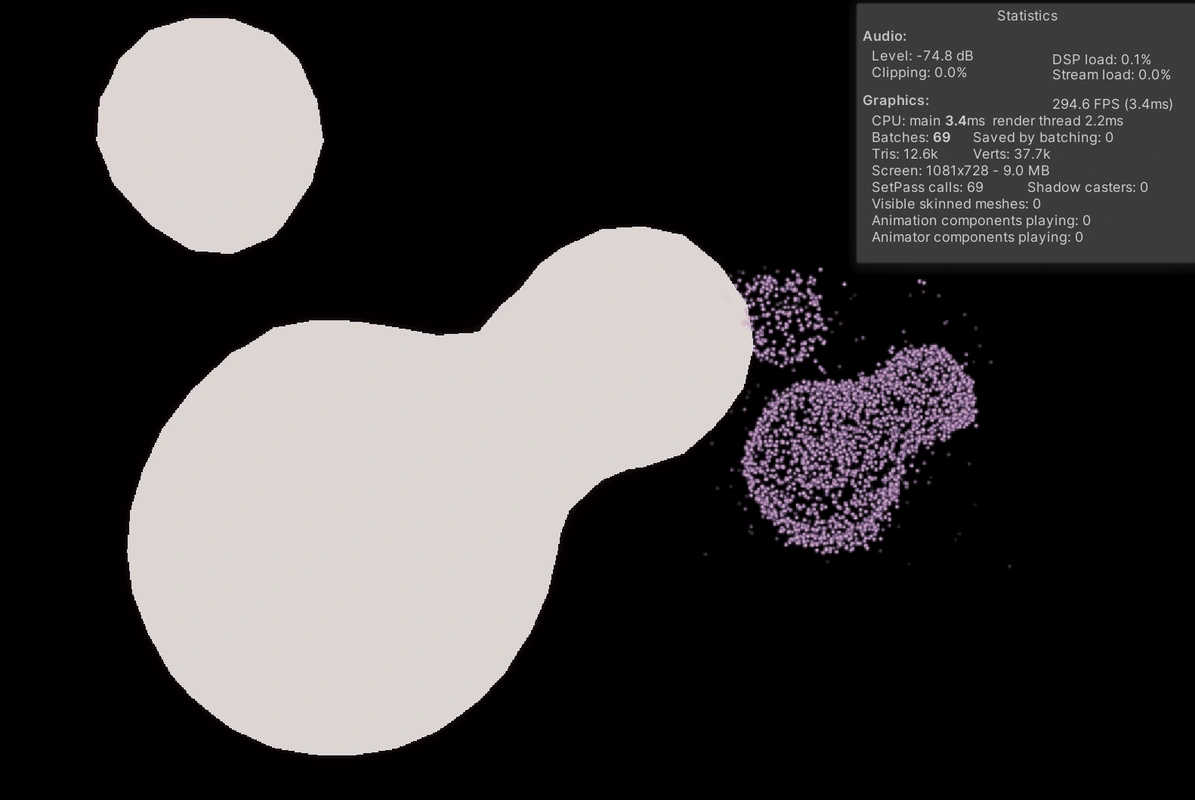
There are some bugs, though. The metaball transform positions move from where they’re supposed to be when I enter play mode and don’t move back until I manually update their position. I also can’t update their scales in play mode. Additionally, I notice a drop in FPS whenever the metaballs change position.
Once I fix those bugs, I’ll need to fix the container code. The metaballs should scale independently of their container. More importantly, the container shouldn’t need to be a cube. (Or maybe it has to be? The algorithm is called marching cubes, after all…)